
Good bookings start with a clear system.
Four parts, in the order you meet them: set up, get booked, run the day, keep in touch. Each one links to the full documentation.
Set up
Everything you offer, described once.
Services, locations and providers are separate things you link together. A service can be offered at several locations by several providers, and each keeps its own hours.
Read the documentation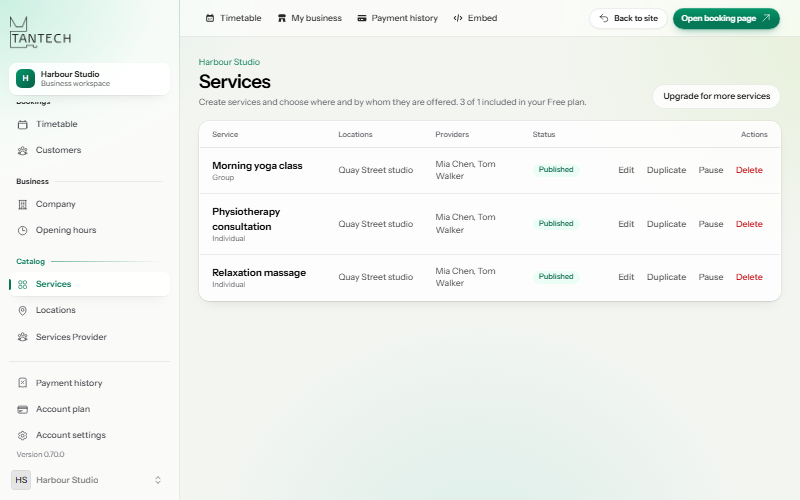
- Services
- Individual or group, fixed length, buffer time, fixed start times, a guide with photos, custom booking questions.
- Locations
- Optional. Address and map, time zone, opening hours and closed days that can differ from the business.
- Service providers
- Profiles that follow your opening hours, with their own times per location or service; block time off on the Timetable.
- Opening hours
- Weekly hours, breaks and yearly special days for the whole business, with public holiday presets.
Get booked
A booking page that looks like your business.
Customers follow the same path every time: service, date and time, details, confirmation, with a location step first when you use locations. You choose what each step shows and how the page looks.
Read the documentation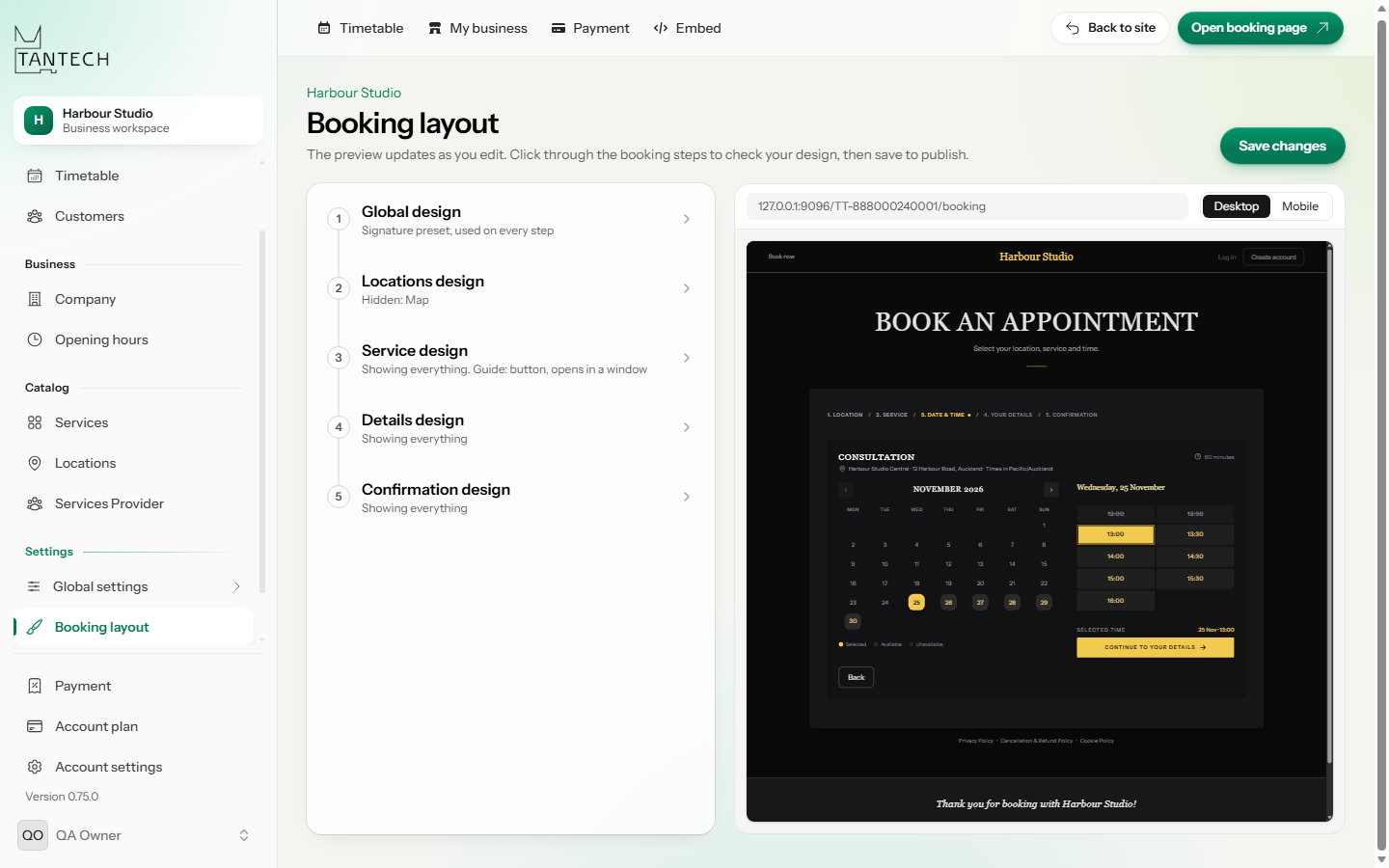
- Booking page
- A dedicated address, step by step or on a single page, with live availability.
- Booking layout
- Four presets, your colours and corners, banner, about, how it works, tips and footer sections.
- Embed
- Put the whole page or a single service on your own website with one snippet.
- Customer accounts
- Guests or accounts tied to your business, with their own booking list and profile.
Run the day
Your appointments, in one calendar.
The Timetable shows every location on one time axis with closed times folded away. Open an appointment to reschedule it against live availability, cancel it, or mark it completed.
Read the documentation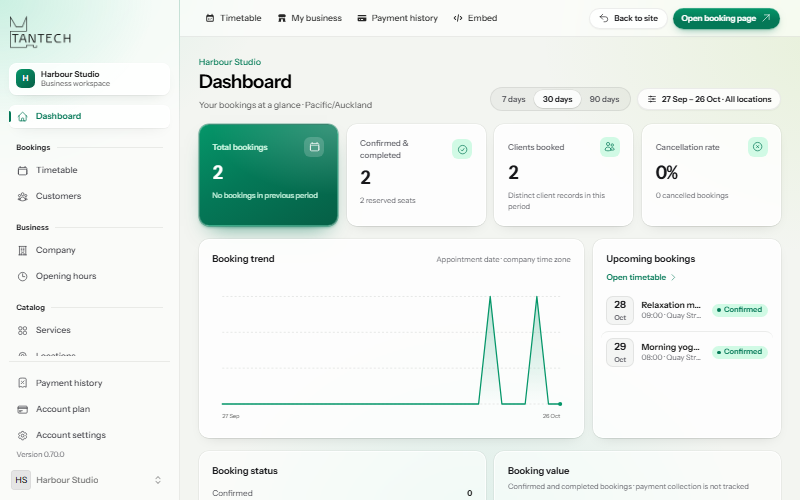
- Timetable
- Day, week and month views across locations and providers, with group bookings and cancellations shown.
- Dashboard
- Totals, trend, status breakdown and the next appointments.
- Customers
- Everyone who has booked with you, with their booking history and account state.
- Rescheduling
- Move a booking to any free time the engine allows; the customer is told by email.
Keep in touch
Emails and policies in your words.
Every customer email starts from a sensible template and can be rewritten in your voice, styled like your booking page. Your policies are published on the booking page and accepted when people book.
Read the documentation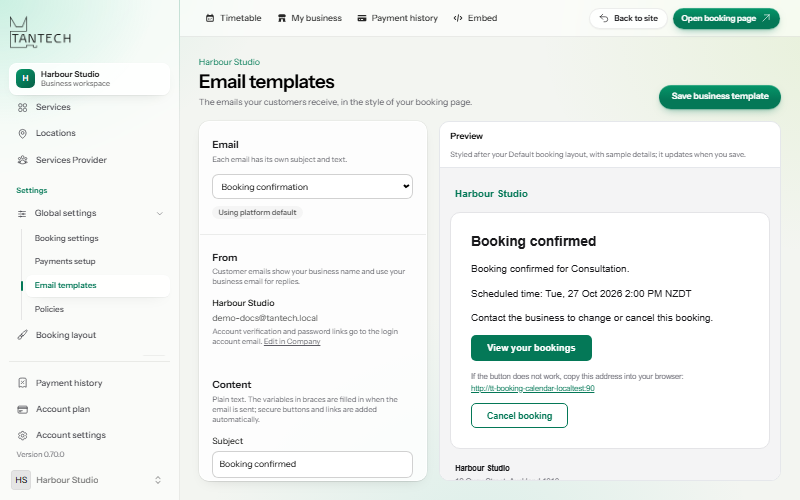
- Email templates
- Confirmation, change, cancellation and account messages with variables filled in when sent.
- Policies
- Privacy, cancellation and refund, and cookie policies with your details filled in automatically.
- Booking rules
- Minimum notice, booking window and cancellation notice, one set for every service.
- Payments
- Pro takes online payments for bookings through your own Stripe account.
The details that save time.
Smaller things you set once and stop thinking about.
- Buffer time and booking limits
- Keep a gap after each appointment and cap how many bookings a service or provider takes at once.
- Booking for someone else
- A customer can book for another person; both receive the confirmation.
- Questions before the visit
- Add your own fields to the booking form and read the answers on the appointment.
- Service guides with photos
- Tell customers what to bring or expect, shown on the booking page.
- Fixed start times
- Offer set sessions, such as 10:00 and 14:00, instead of a time grid.
- Public holiday presets
- Load the holidays for your country and mark the days you close.
- A time zone for each location
- Customers see times where the appointment happens; you see them where you work.
- Account security
- Two-factor authentication and passkeys for the people who run your business.
The same tools on every plan. More room as you grow.
Free starts you with one service, booked without a location, and 50 bookings a month. Basic adds providers, group classes, more services and two locations; Pro adds more locations, staff accounts and online payments. The way you work does not change.
Your next booking starts here.
Start free with one service and one location. No card needed; add more when your business asks for it.